Documentations

4 Minutes

Admin

1,230

08/29/2024

Documentations
4 Minutes
Admin
1,230
08/29/2024


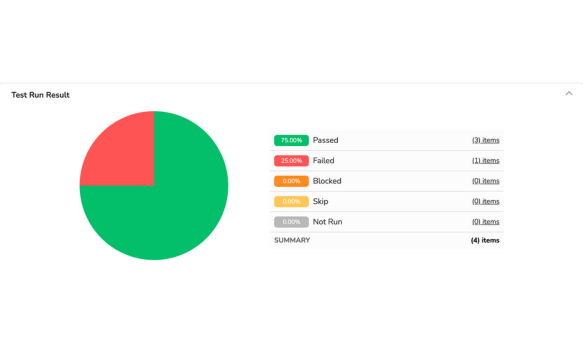
To see an overview of your test runs, access each test run you have completed. You will see a pie chart report summarizing all the results of each test case. This report is updated in real-time throughout the execution of your test run.
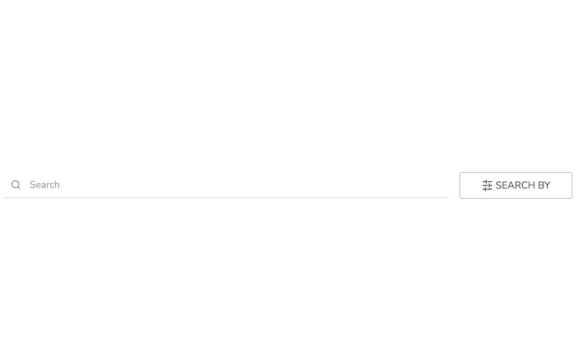
You can search for each test case in the test run report through the search bar and filters.
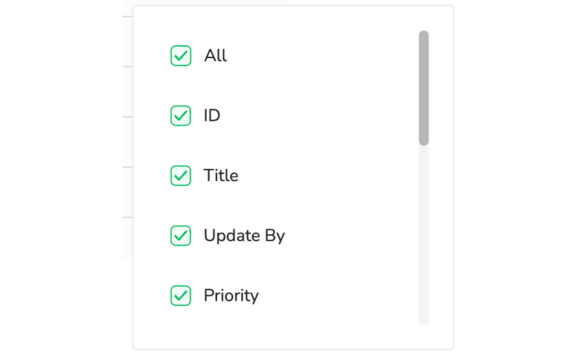
In these filters, there are many criteria, such as:
- All
- ID
- Title
- Updated
- Priority
- Last Result
- Test case fields: descriptions, pre-condition, steps, test data, and expected results